
App Store screenshots, without the pain.
Design beautiful App Store screenshots for iPhone, iPad, Watch, and Mac — with bulk language support and pixel-perfect exports.
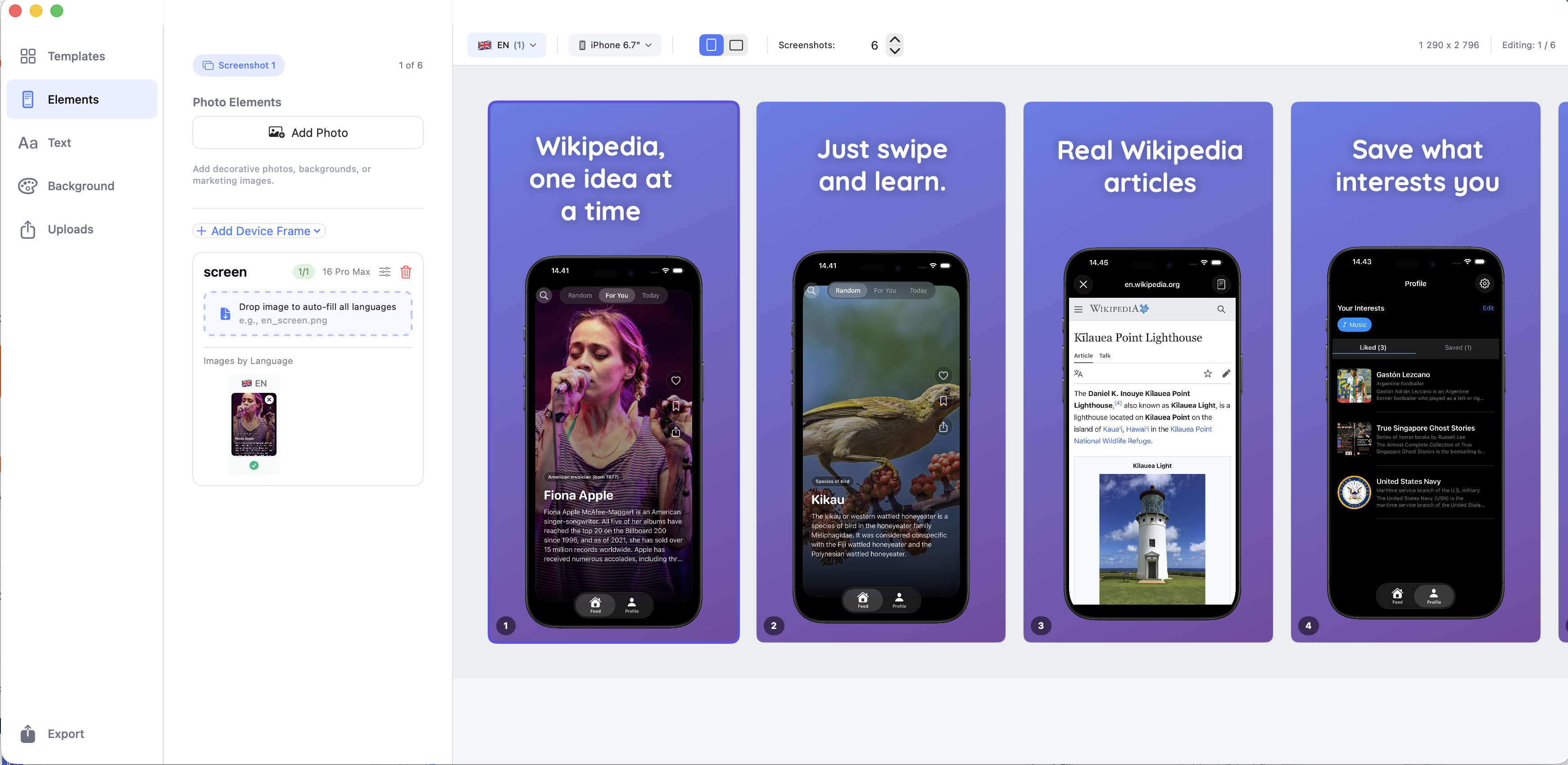
Built for multi-language apps
Import screenshots for as many languages as you need and switch between them instantly. No manual swapping.
Fast, visual, intuitive
Drag, resize, rotate, and align screenshots directly on the canvas with immediate feedback.
Apple-perfect exports
Exact App Store sizes, safe-area checks, and no transparency issues.
One-time purchase
Pay once. No subscriptions. No recurring fees.
Screenshots
A quick look at the experience.
What you can do
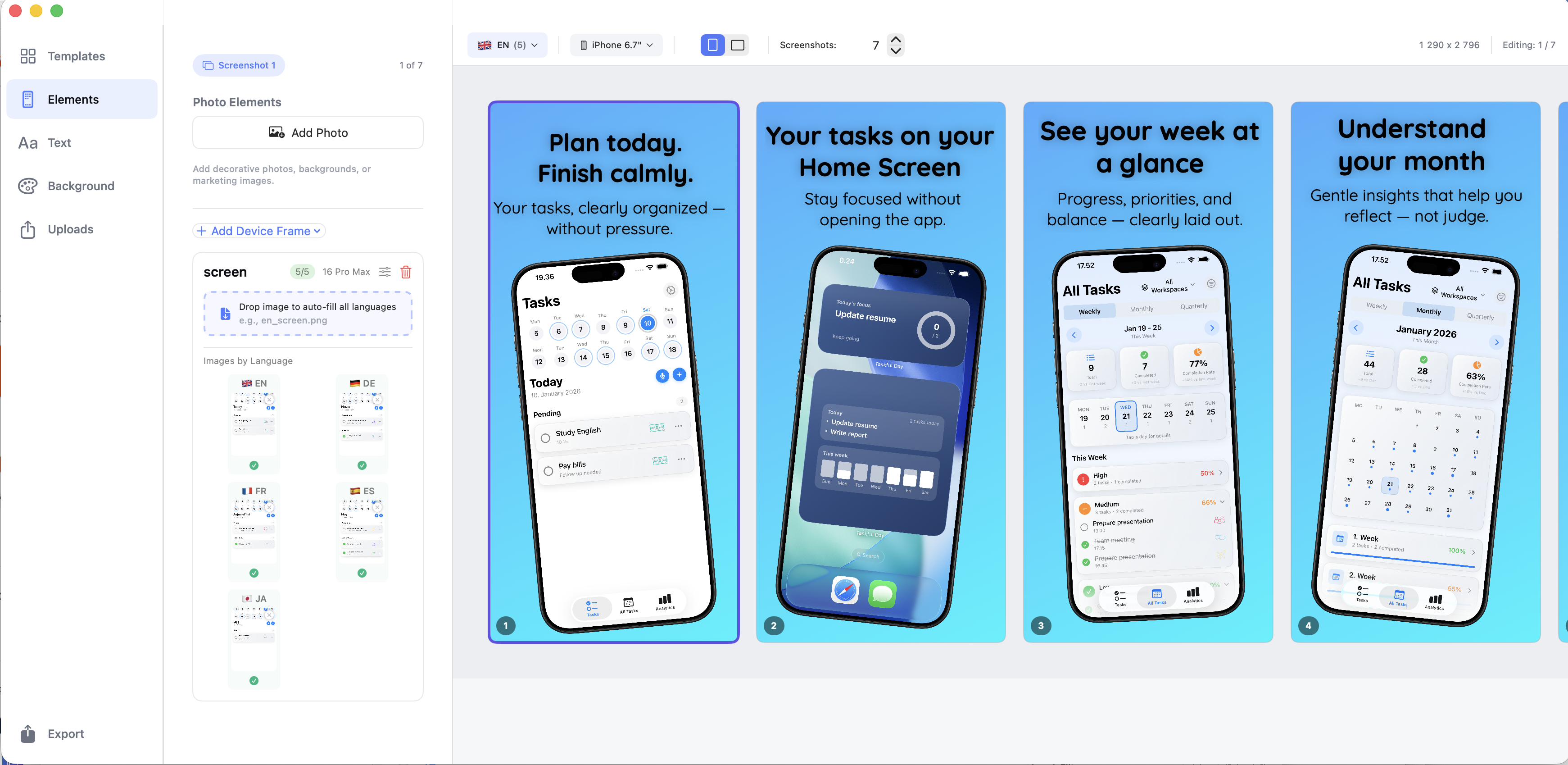
Bulk screenshot import by language
Drop a folder of screenshots named by language and ScreenFlow Studio wires everything automatically.
Device frames for all Apple platforms
Create screenshots for iPhone, iPad, Apple Watch, and Mac using realistic device frames.
Templates & layout presets
Start from clean, professional templates or build your own layouts from scratch.
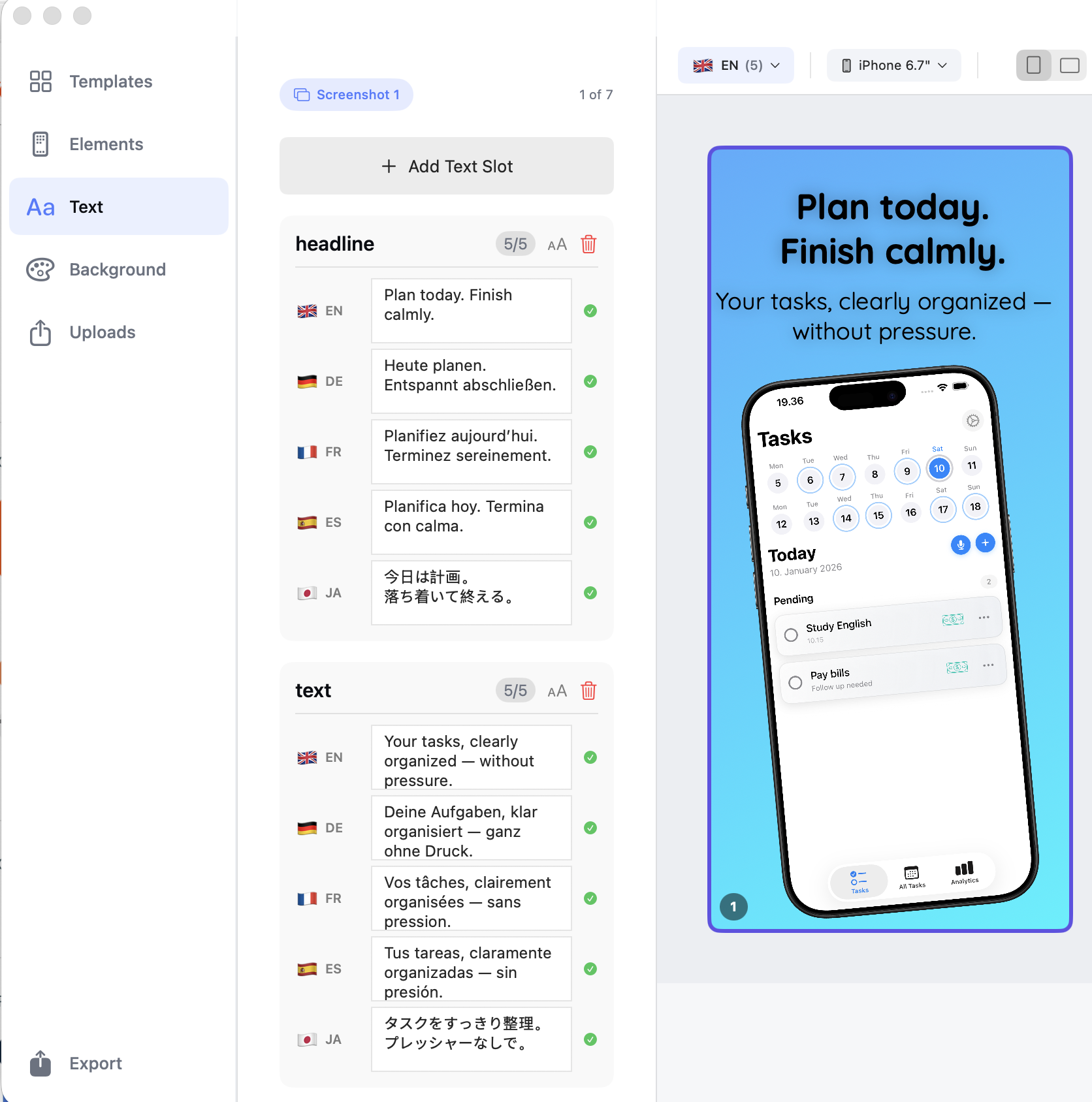
Full control over images & text
Resize text boxes, zoom screenshots, adjust alignment, and fine-tune every detail.
Preflight & safe-area warnings
Visual guides help you avoid cropped content and App Store rejections.
Batch export
Export entire screenshot sets across devices and languages in one go.
Pricing
ScreenFlow Studio pricing
Transparent pricing on the App Store. Cancel anytime.
€14.99 — one-time purchase
FAQ
Who is ScreenFlow Studio for?
Developers, designers, and marketers who want to create App Store screenshots quickly — especially for apps with multiple languages.
Does it support multiple languages?
Yes. You can bulk import screenshots for any number of languages and switch between them instantly.
Is there a subscription?
No. ScreenFlow Studio is a one-time purchase.
Which platforms are supported?
iPhone, iPad, Apple Watch, and Mac App Store screenshots are supported.
Do I need an account?
No account required. Everything works offline.
Privacy
Data collection
none
Tracking
No
Account required
No
- No accounts required
- No analytics or third-party tracking
- All projects stored locally on your Mac